Back
User Interface
Loading Trading Pairs
HyperTrader V3 New Layout
Order Management
Adjustable Layouts with Customization
Open Orders, Trade History, Price alerts Indicator
Help Center
Changelog
CryptoNews Alert
Quick Switch Tab
Breakeven Indicator
How to set Breakeven?
Breakeven Visibility
WatchLists & ColorLists
HyperTrader V3 New Layout
Welcome to our support guide designed to enhance your trading journey! Our focus is on creating a seamless and enjoyable user experience.
Here's what you can expect:
New HyperTrader layout
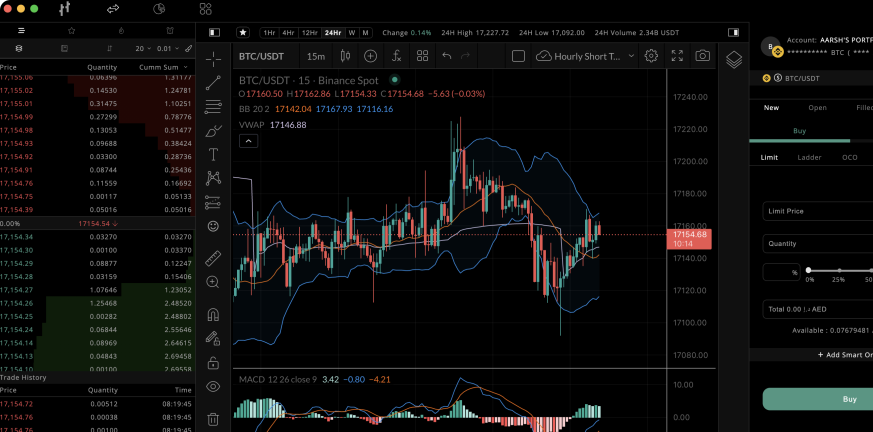
HyperTrader's new layout has a simplified, intuitive design with customizable widgets that allow users to personalize their trading experience. The new dashboard offers real-time market data, price alerts, and news updates to help users make informed trading decisions.
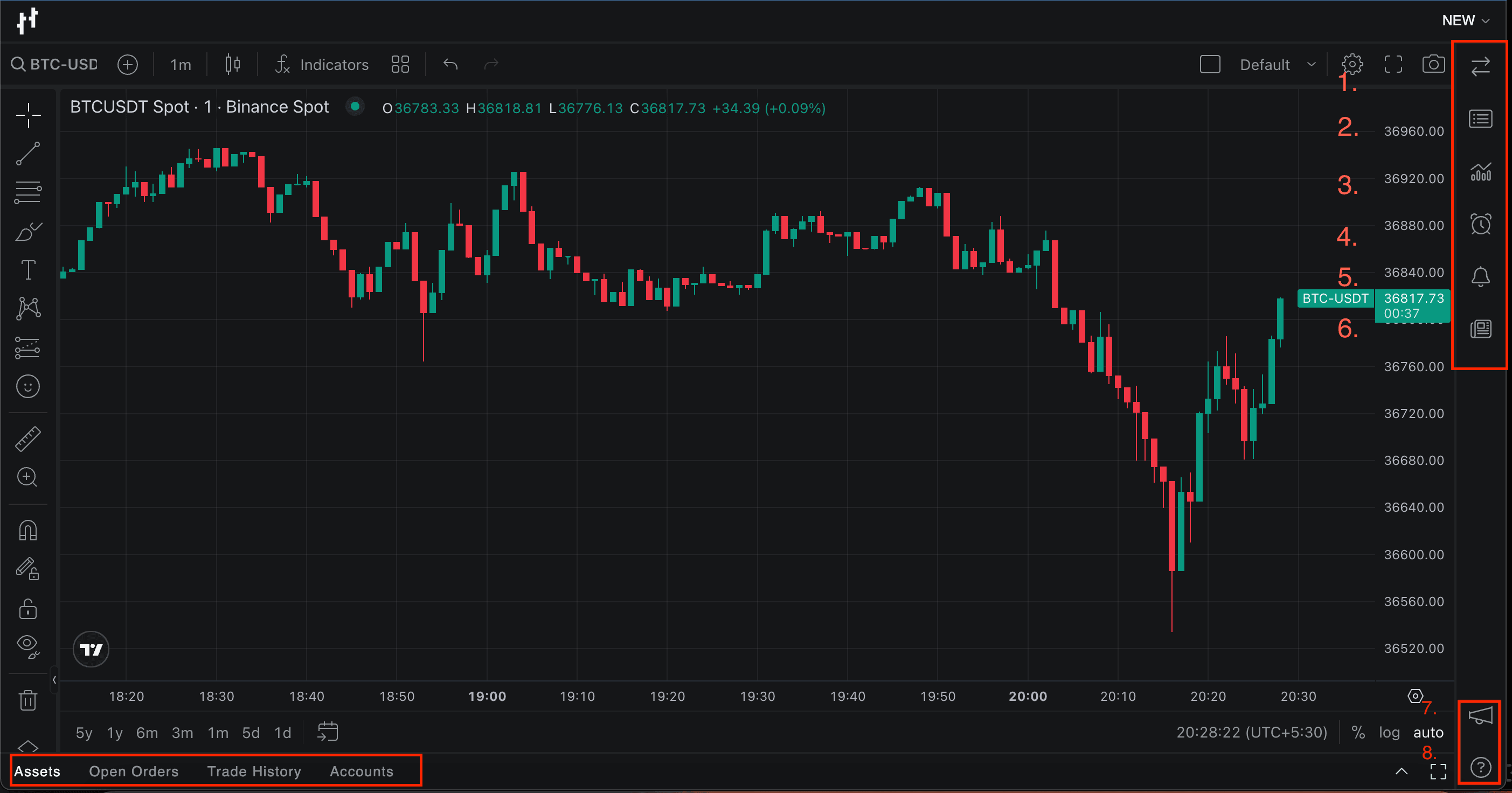
-
Order Form
-
Order Book & Trades
-
Markets
-
Alerts
-
Notifications
-
News
-
Announcements
-
Help
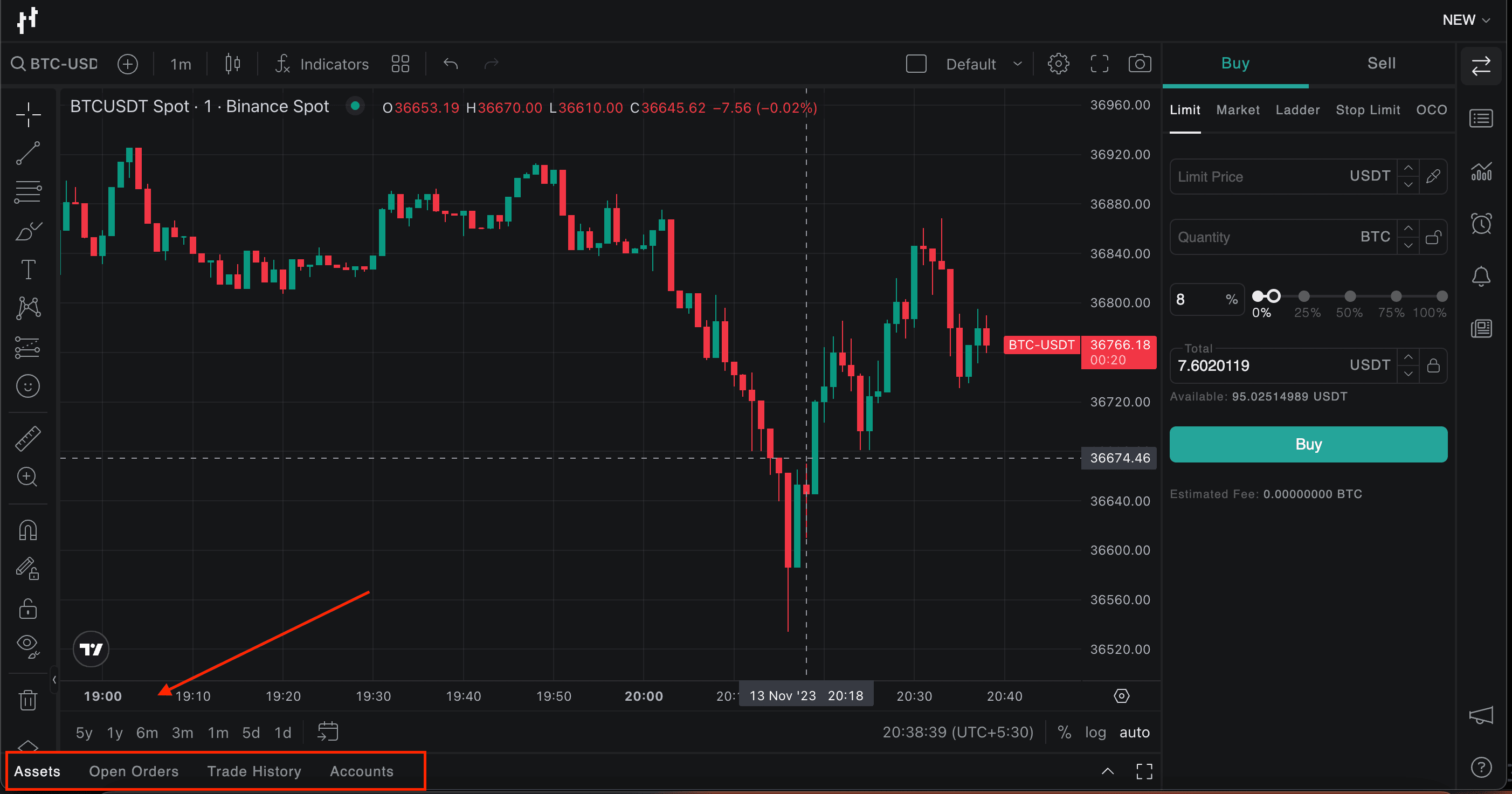
Assets- This section will display all of your assets in an organized manner.
Open Orders - Under this tab, users can view, cancel, or modify their existing open orders.
Trade History - You can view all of your trade-related history, past and present, in one place.
Accounts - View your accounts added or edit, or delete existing accounts.
Add Account - This tab is designed to help you add your account(s) to HyperTrader. You can add multiple accounts using this feature.
Try Today For Free
Transform your trading experience with HyperTrader. Say goodbye to slow terminals, multiple windows, excessive clicks, and delayed data. Sign up and start using our platform in under 10 minutes to unlock your full potential.